One window, every agent.
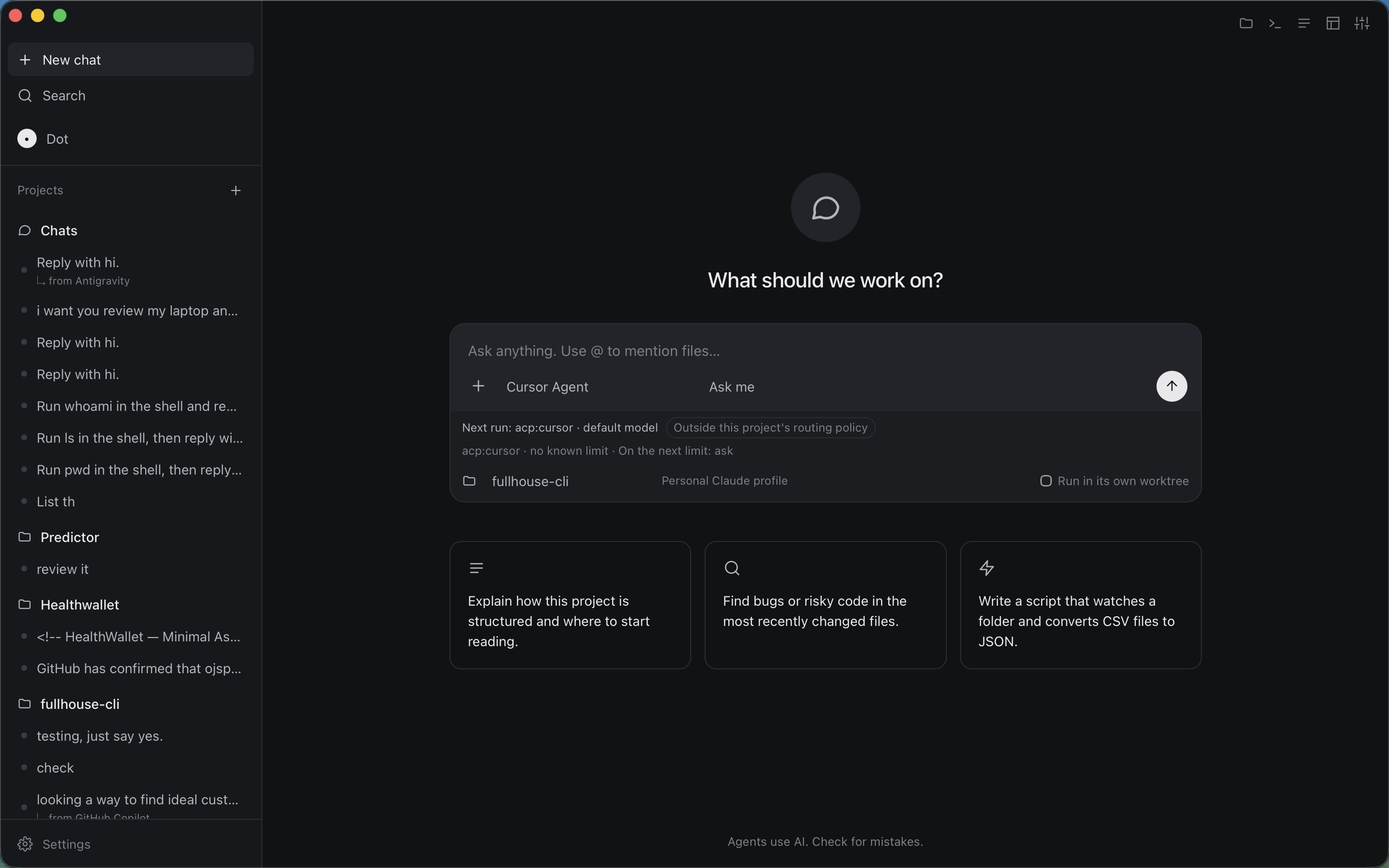
A desktop coding workspace with an editor and native AI agent terminals. Open your coding agents in one window — each in its own real terminal tab — and switch with a click or a number key. No fake keystrokes, no screen scraping.
Get notified
No download yet. One email when it ships.
The desktop runs today as a working macOS preview. The public release is pending signing, notarization and a verified release pipeline. Leave-nothing-behind honesty: Windows, Linux and Intel macOS builds are unvalidated.
How it works
Navigation at the correct layer
Each coding-agent CLI owns its terminal interface, keybindings and history. Fullhouse doesn't fight that — it owns the window and the tab bar, and leaves each provider in control of its own terminal.
One tab per agent. Every agent runs in its own real pseudo-terminal with its own screen, process and conversation. Inactive tabs stay alive while you look at another one.
Switch like a browser. Click a tab or press a number shortcut to move between agents. A pinned system shell for git, builds and tests opens with Cmd/Ctrl+0.
Native everything. Provider-native auth, permissions, tools, plugins, MCP servers and session storage. Nothing is re-implemented or scraped.
# the mental model — no commands to memorize yet
tab 1 → Claude Code      tab 2 → Codex CLI      tab 3 → OpenCode
tab 0 → system shell (git, builds, tests)
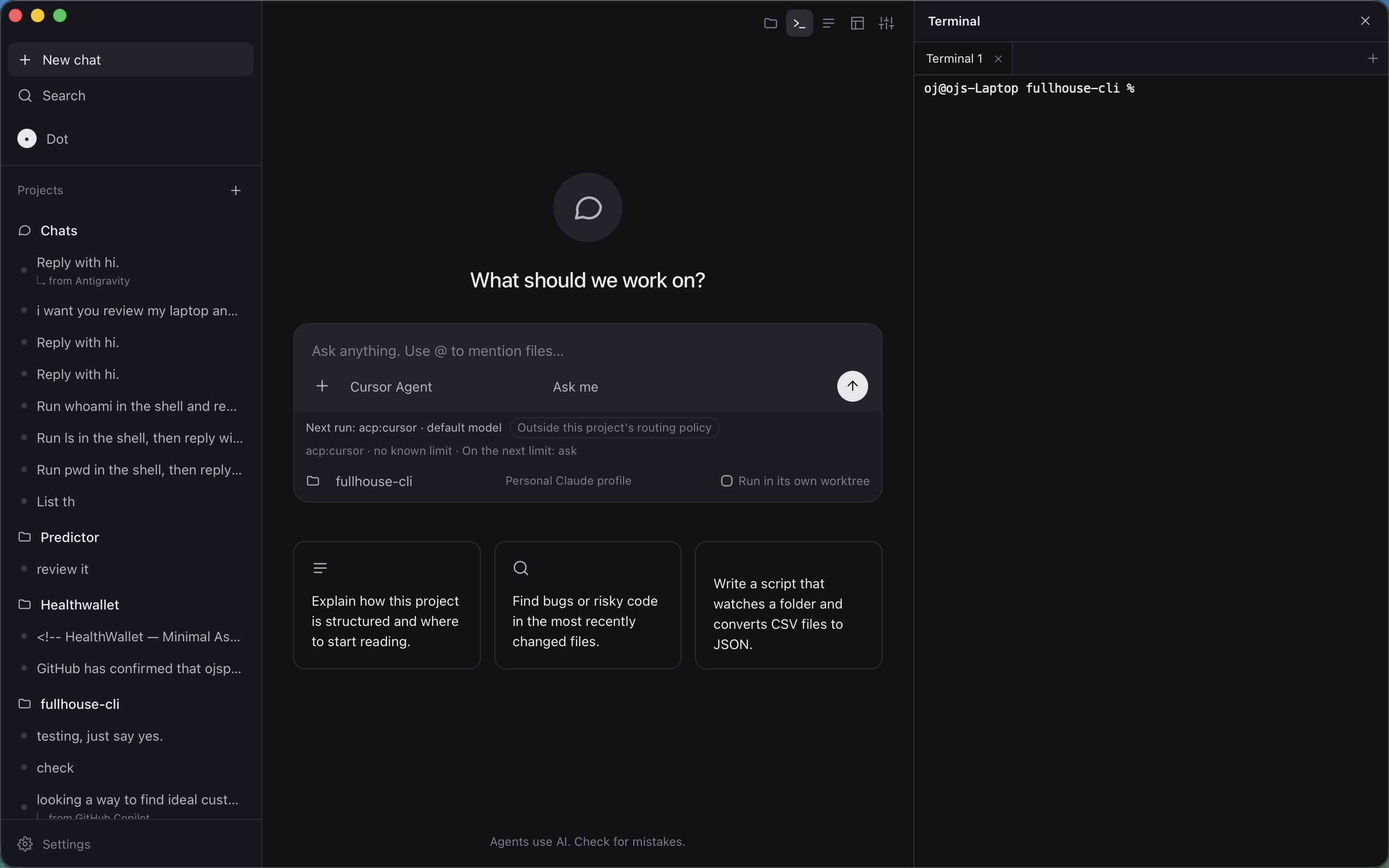
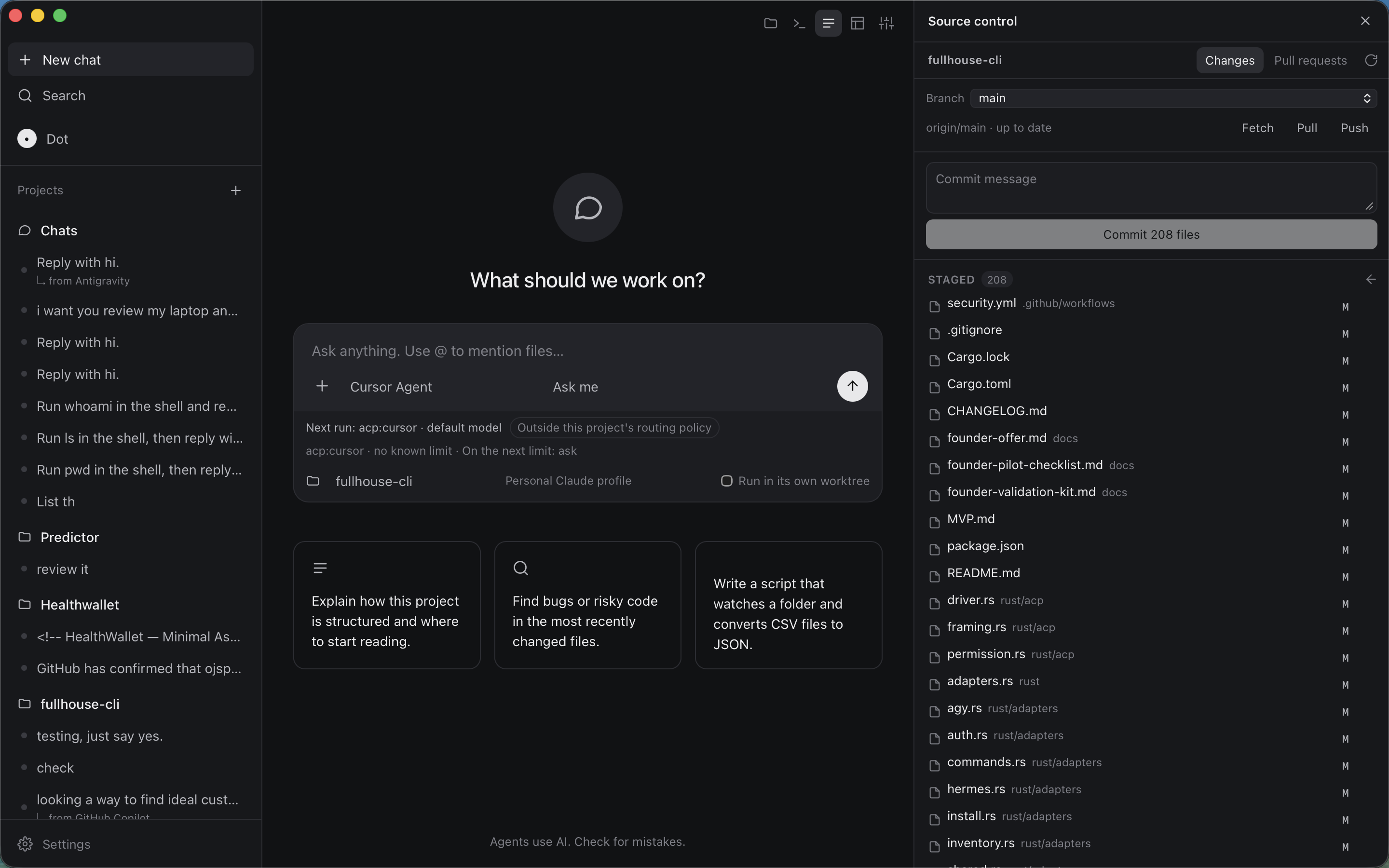
Alongside the terminals: editable document tabs, resizable editor/terminal split, quick-open, project search, command palette, and source control (diffs, staging, branches, worktrees, GitHub PR/issue views) in a right-hand dock.
Agents & handoffs
Supported agent CLIs
The window opens the CLIs you already have installed — no wrappers, no re-auth.
| Agent | Runs as | Notes |
|---|---|---|
| Claude Code | native TUI | own terminal tab |
| Codex CLI | native TUI | own terminal tab |
| OpenCode | native TUI | own terminal tab |
| Antigravity | agy | own terminal tab |
| Pi | native CLI | own terminal tab |
| Goose | native CLI | own terminal tab |
| Copilot CLI | native CLI | own terminal tab |
| Muse Code | native CLI | own terminal tab |
| Kilo Code | native CLI | own terminal tab |
| Kimi Code CLI | native CLI | own terminal tab |
| Grok Build | native CLI | own terminal tab |
Cross-agent handoffs
A Rust CLI discovers provider sessions and builds privacy-conscious handoffs — the source agent's context, handed explicitly to the next agent when you ask for it. Nothing is silently exfiltrated.
Scope stays narrow: solo leverage only. Automations (scheduled and GitHub-triggered, in private worktrees with logs and a results inbox) are on the roadmap — packaging undecided, nothing to buy yet.
Honest status
Read before you get excited
This is a preview, not a launch. Everything below is the current state.
Works: project-scoped window, editor tabs, one xterm.js terminal per agent backed by its own Rust PTY, handoff controls, close/restart, isolated project windows, native-session resume where a matching workspace session exists.
Pending: Developer ID release pipeline is implemented, but an authorized maintainer must still configure Apple credentials and verify the first live release. Local builds are not production-signed or notarized.
Unvalidated: Windows, Linux and Intel macOS releases. Apple Silicon is the only tested desktop target.
Coming-soon FAQ
Questions worth asking before early access
Nothing invented. If it isn't verified, it says so.
Can I download it today?
No. There is no public download yet. The desktop runs as a working macOS preview (v0.5.0). Join the waitlist above and you'll hear when the signed release exists.
Is it another agent wrapper?
No. Fullhouse doesn't re-implement agent interfaces. Each provider keeps its native TUI, auth, permissions and session storage inside its own real terminal. Fullhouse owns the window and tab switching — that layer only.
How is it different from soloteam-cli?
soloteam-cli syncs your agent config and memory across machines (git + local files, open source, available now). fullhouse is the desktop where you run the agents themselves, side by side. Same thesis — one dev, agents as team — different layer.
How is it different from md-anything?
md-anything converts documents into AI-ready Markdown for agent pipelines (CLI + MCP, open source, available now). fullhouse doesn't convert anything — it's the workspace where agents consume that Markdown.
Keep exploring
Use the flagships while you wait
Two open-source CLIs from the same lab, both available today.